
Home
Go back to application
Home
Go back to application
Sponsor
Introduction
Getting Started
Sign upLoginForgot Password
General Information
Highlight Panel
Voucher
Explore VoucherBuy New Voucher
See More
Explore the Credentia Sponsor Console User Guide Section
Training Institute
Introduction
Getting Started
Logging In – First-Time LoginLogging In – Subsequent LoginsForgot Password
General Information
Highlight Panel
Voucher
Explore Voucher Buy New VoucherAssigning VoucherTransferring Voucher
See More
Explore the Credentia Training Institute Console User Guide Section
Operation Staff
Introduction
Getting Started
Logging In – First-Time LoginLogging In – Subsequent LoginsForgot Password
General Information
Highlight Panel
Dashboard
Dashboard
See More
Explore the Credentia Operation Staff Console User Guide Section
State Client
Introduction
Getting Started
Logging In – First-Time LoginLogging In – Subsequent LoginsForgot Password (Reset your Password)
General Information
Highlight Panel
See More
Explore the Credentia State Client User Guide Section

Dashboard

The dashboard is the home screen of the console to view and review results or feedback from exam-related surveys.
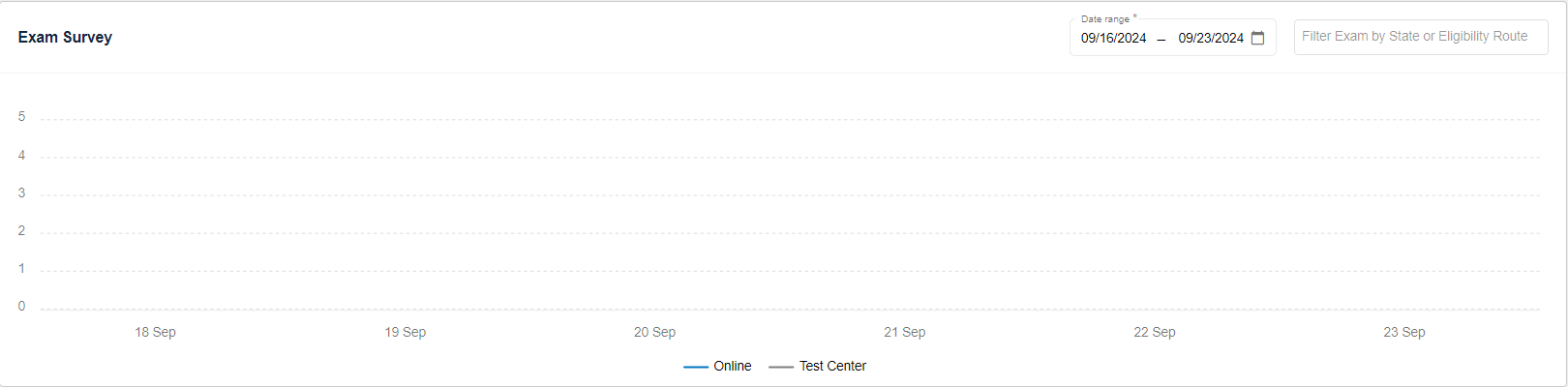
  1. View the following details on the Dashboard page:
    • Exam Survey 
  2. Filter the Exam Survey based on the selected Date Range.

Was this article helpful?

Powered by Product Fruits
​

Support Ticket Web Form

Alabama
Alaska
California
Colorado
District of Columbia
Georgia
Kentucky
Maryland
Mississippi
North Carolina
Nevada
Pennsylvania
Rhode Island
South Carolina
Utah
Virginia
Washington

Upload a file or drag and drop

PNG, JPG, GIF up to 2MB

Preview:

File Preview
Loading...

Refresh