Forgot Password
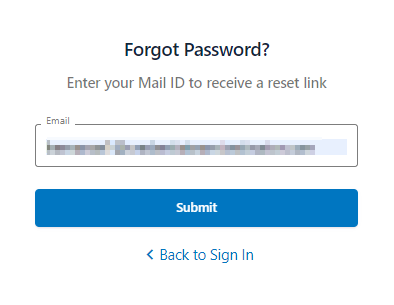
- If you have already registered but have forgotten your password, click "Forgot Password".
- In the Email field, enter your registered email address and click Submit. Click Back to Sign In to go back to the login page.
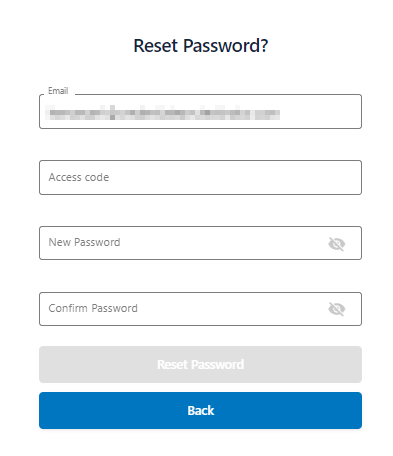
- Enter Access Code, a six-digit number sent to your registered email address. Enter the New Password and then Confirm Password.
- Click the view icon to view your new password. Click Reset Password. Click Back to exit the reset password page.
- Your password reset is successful, you must then Login to log in to the application.