Sign up
To access the State-Specific Login page for the Sign-up process, follow the steps below:
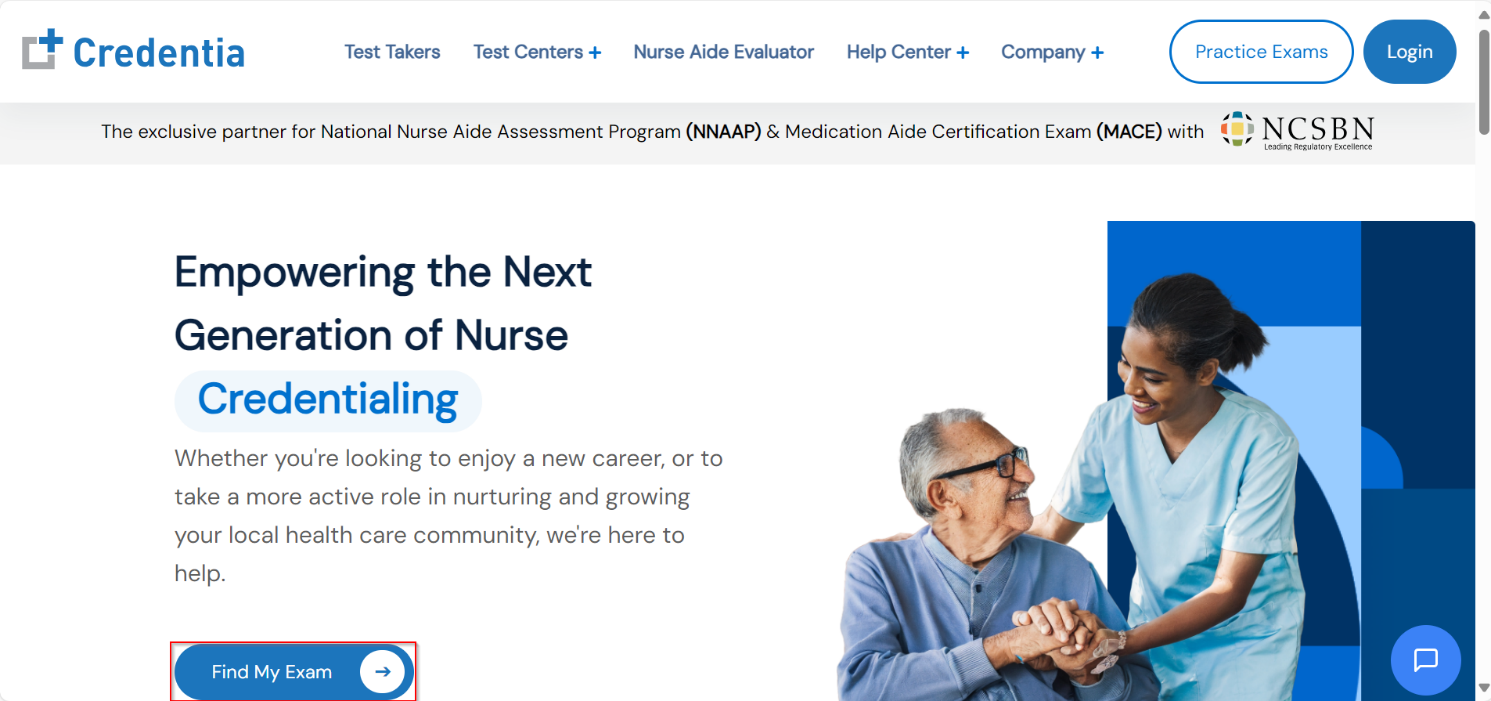
- Go to credentia.com website and click on Find My Exam.
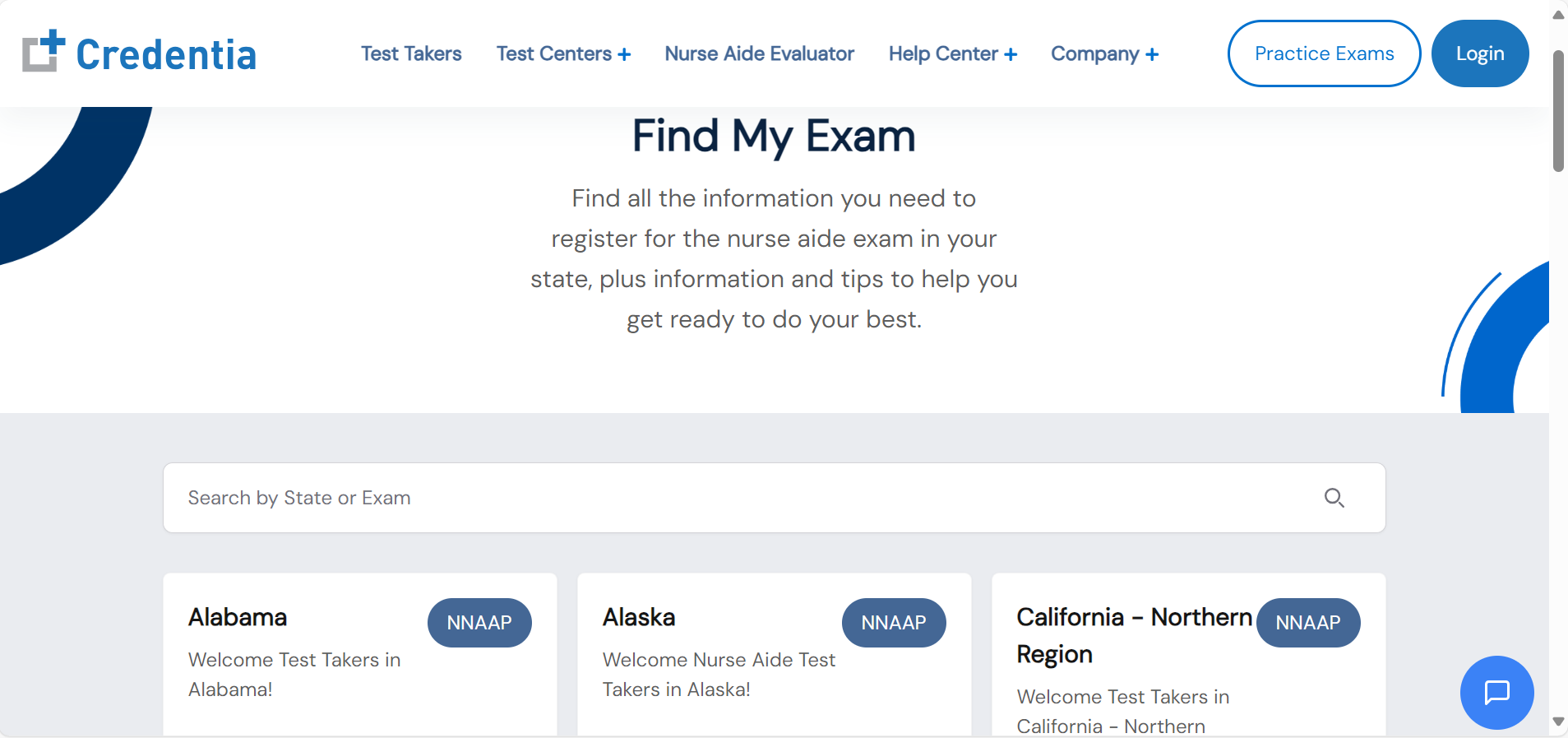
- Select your state/exam to land on the state-specific page.
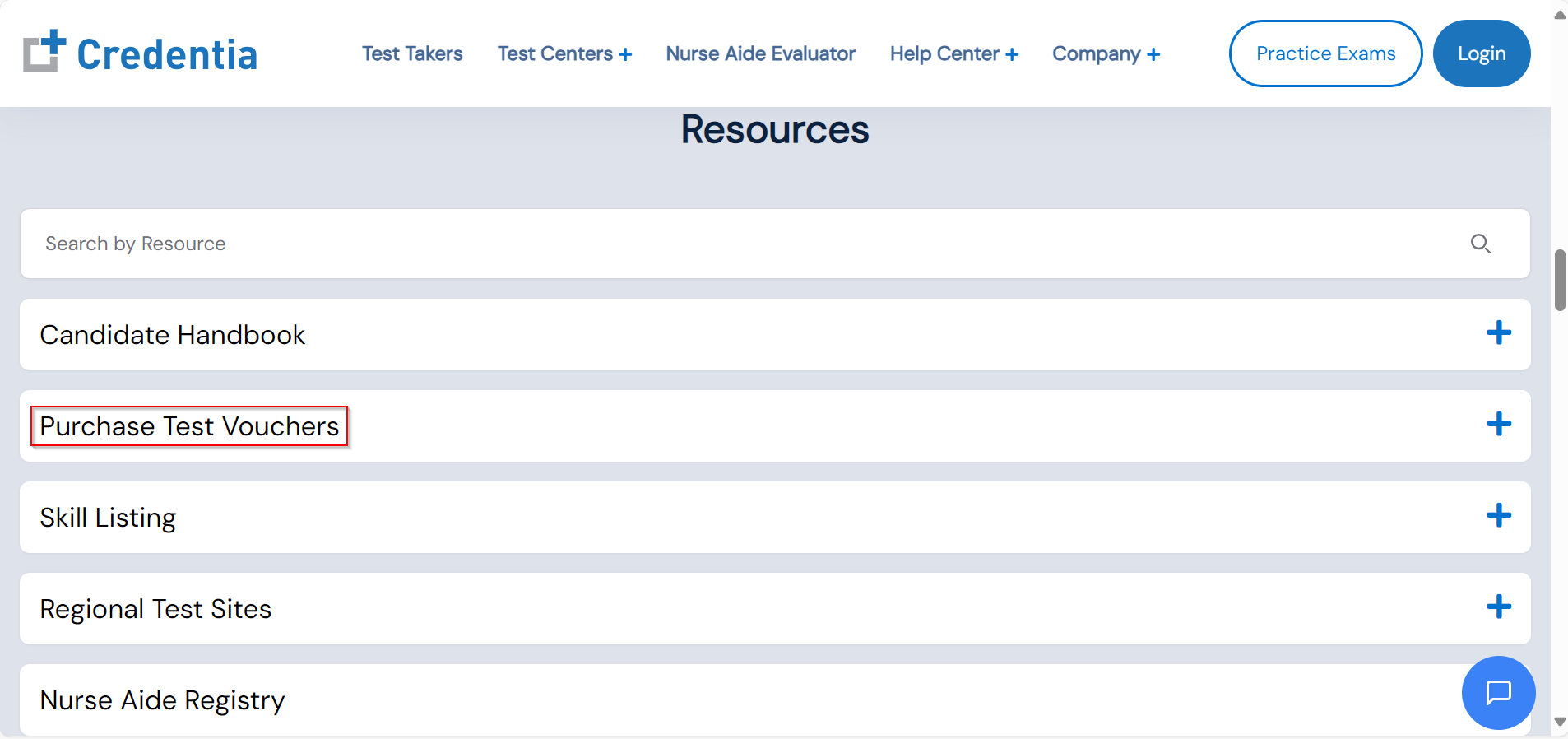
- Scroll down the page and click on Purchase Test Vouchers.
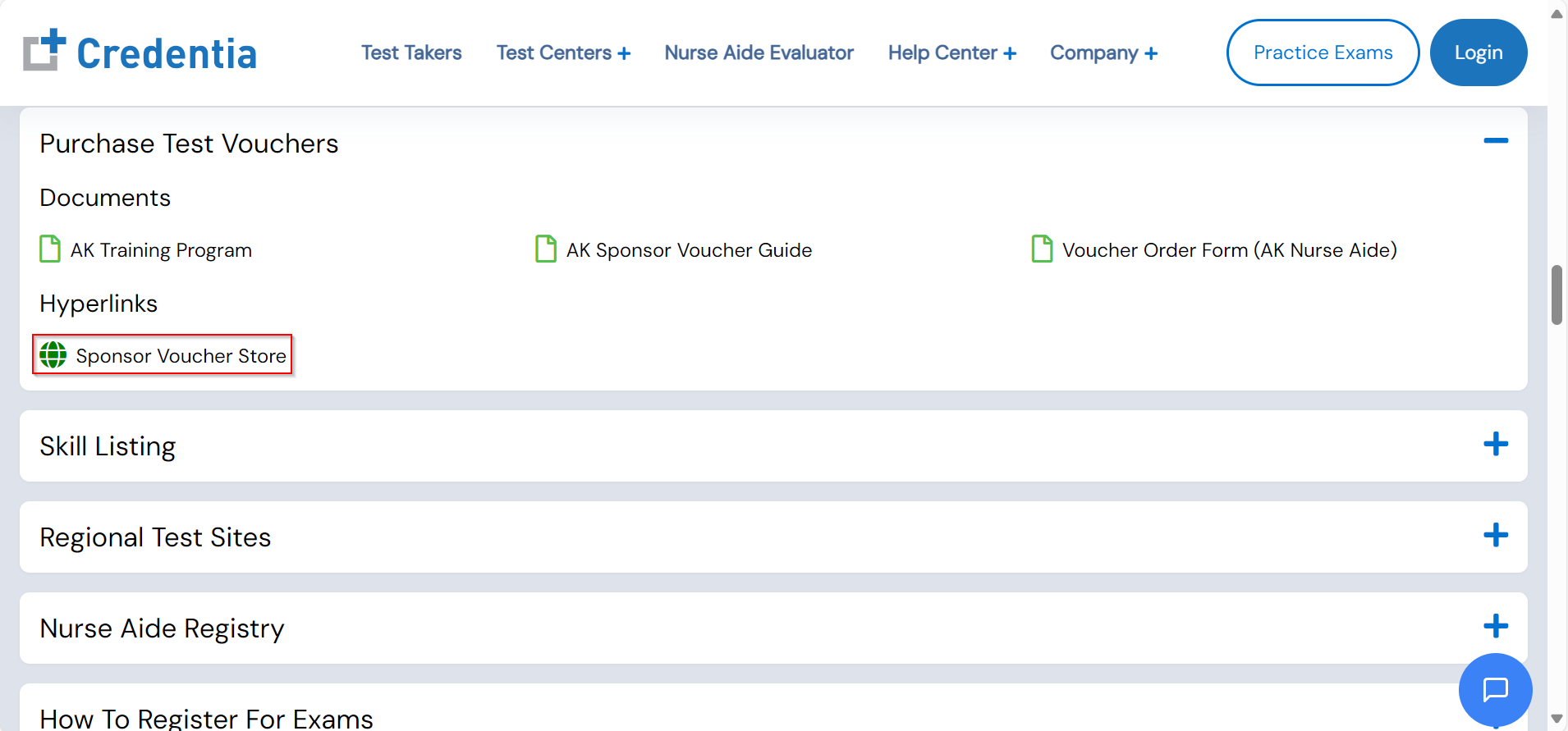
- Click on Sponsor Voucher Store.
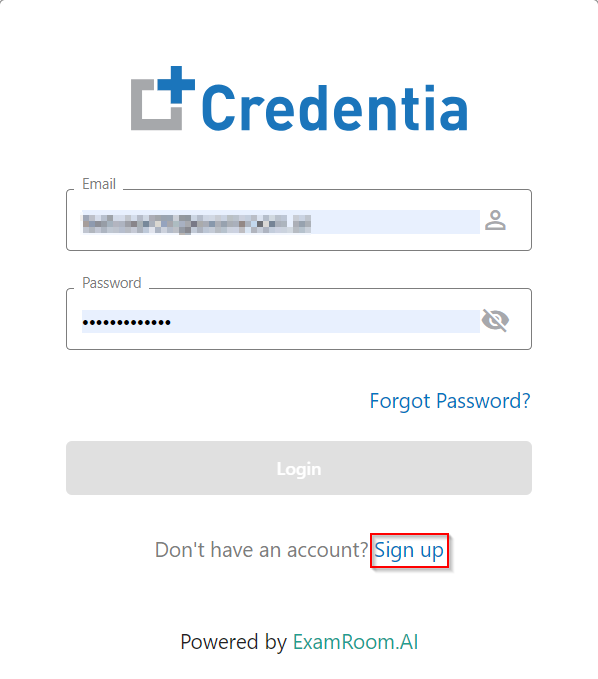
- The login page will open in a new tab, where you need to click on Sign-up.
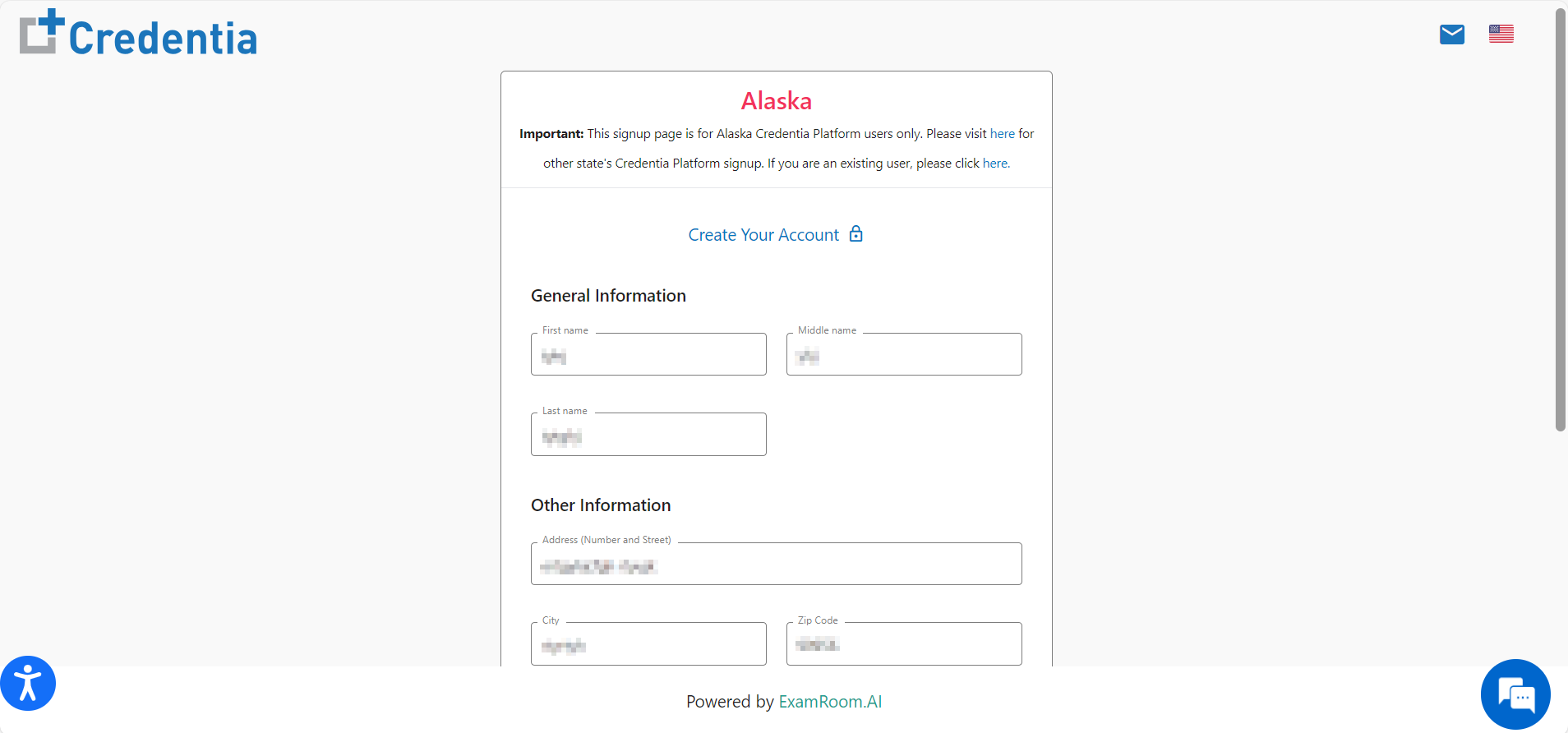
- Complete the required details to sign up with Credentia as a sponsor. This includes your general details, postal address, and email address. Also, enter a new password in both password fields provided at the bottom section.
- Click on the Sign-up button.