Logging In – First-Time Login
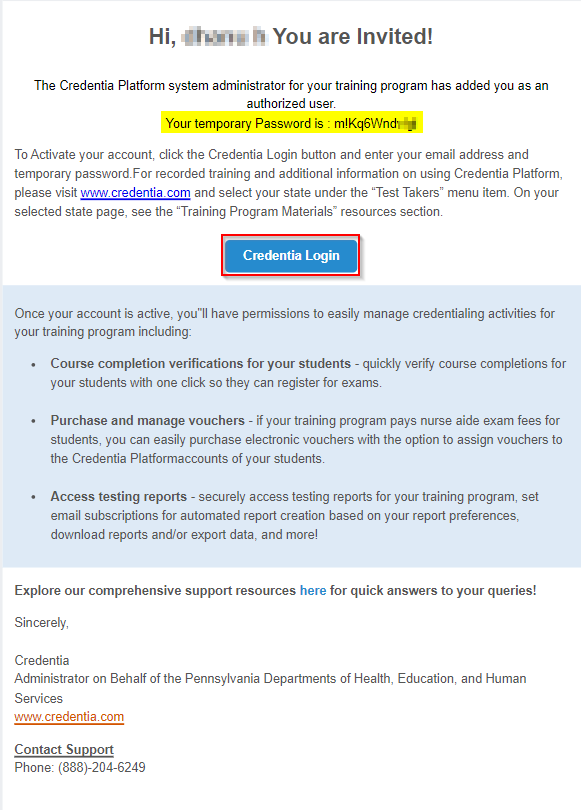
Super Admin creates the Operation Staff user account for the Operation Staff console. Based on the requests with communicated general details and email address, once your account is created, you will receive an email notification, a navigation link to the Credentia Platform login for the Operation Staff console, and a One-Time Password (OTP) to log in.
To login to the Operation Staff console, follow these steps:
- Click the Credentia Platform Login link/button provided in your email, and a new login window will open.
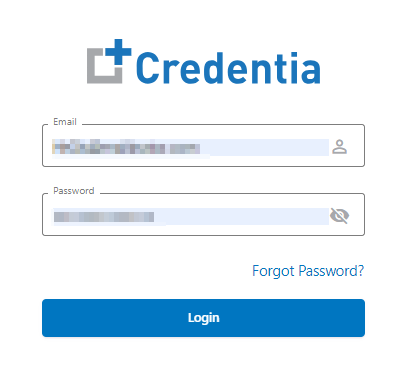
- Enter your registered Email address and One-Time Password (OTP) provided in the email.
Note: The one-time password sent to your email can only be used once. You should update or change your account password to complete the login process.
- Click the Login button to proceed on the change/update password page and proceed with the first-time login process.
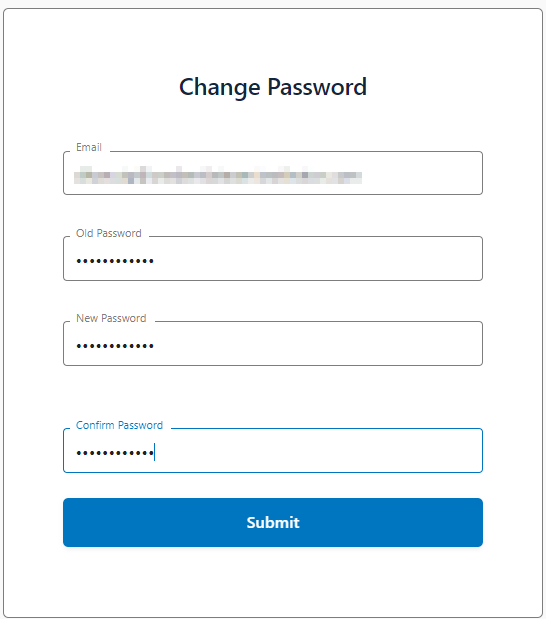
- Enter a New Password and Confirm Password to set up your new Operation Staff account password.
Note: Use at least 12 characters with a combination of letters, numbers, uppercase letters, lowercase letters, and symbols to create your new password.
- Click Submit to complete the Credentia’s Operation Staff Console login process.